Storage import
The Storage import service allows users to easily import installation media or entire virtual machine images to their UpCloud account. This enables users to quickly migrate servers from on-premise or any other cloud provider by importing the server image and attaching the created storage device to a Cloud Server.
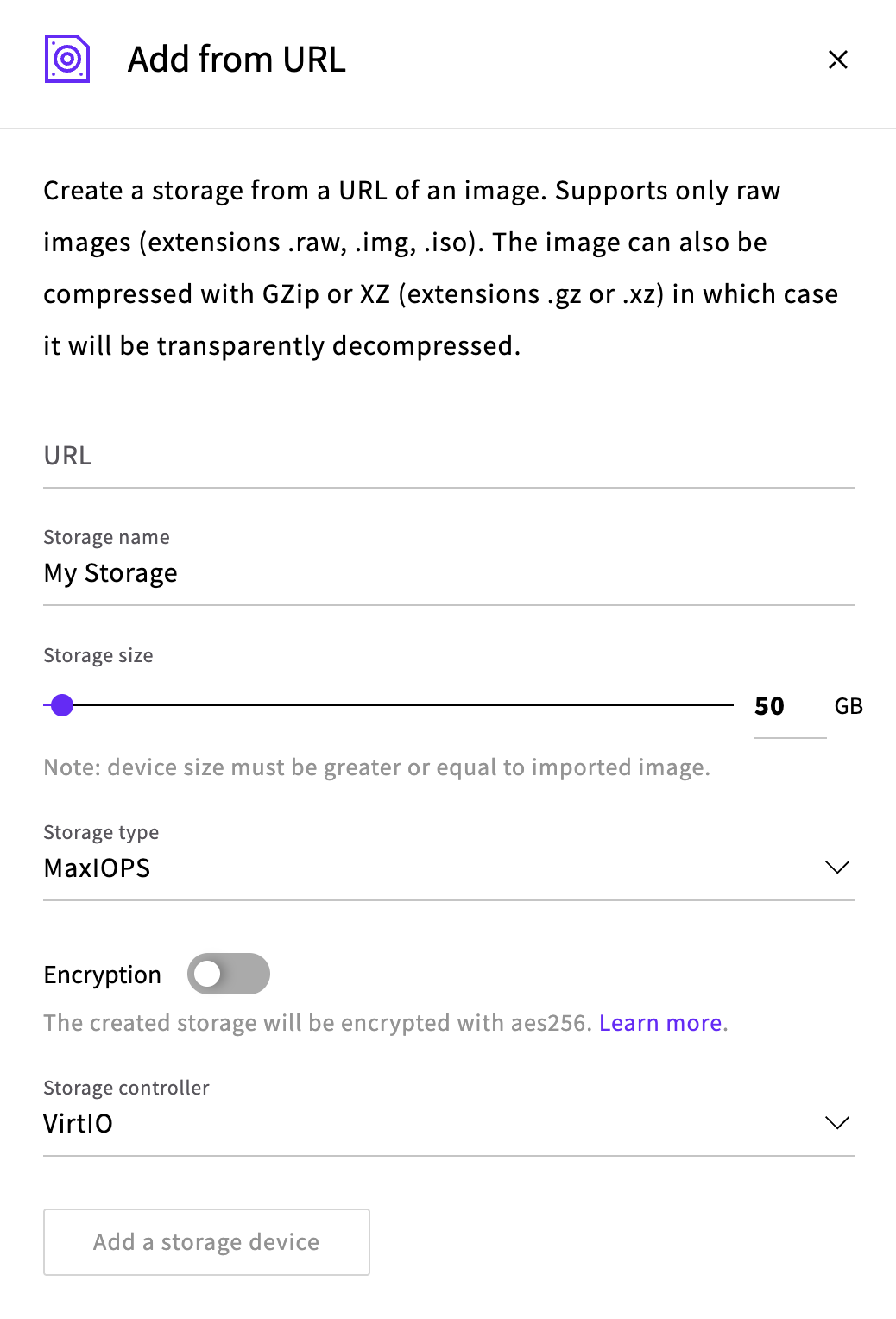
Storage import creates a new storage device, and populates is with data from the URL.
The import service supports the following file formats:
- RAW storage images (extension .raw)
- IMG storage images (extension .img)
- ISO archive files (extension .iso)
- GZIP (extension .gz, content-type must be set to application/gzip)
- XZ (extension .xz, content-type must be set to application/x-xz)
Images in other formats must be converted before importing.
To import from a URL, the system image or installation media needs to be available for download so that the Storage Import service can retrieve it. The process supports the use of HTTPS and HTTP Basic Auth for secure uploads. Through the API, you can also upload the file directly to a temporary upload URL instead. For the steps, see How to upload data using the Storage Import API.