VAT and GST for international businesses
The value-added tax is an assessment of the incremental increase in the value of a product or service. It is designed to tax the value added by a business on top of the services and goods purchased from the market.
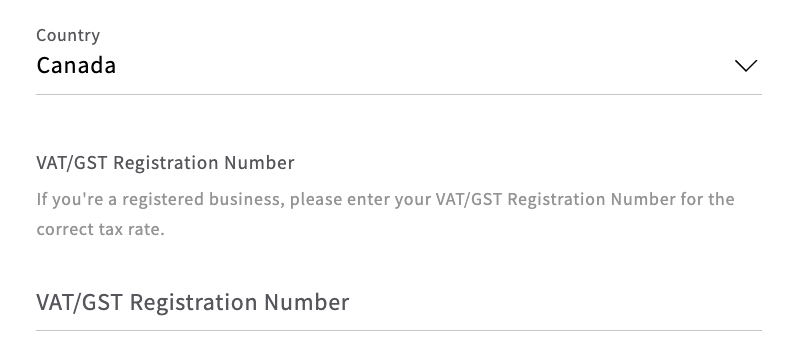
If you’re a VAT/GST registered business, please enter your VAT or GST Registration Number for the correct tax rate. Follow along with the instructions below on how to accomplish this on UpCloud.
EU businesses can refer to this guide for more specific information.
If you have any questions regarding taxation, don’t hesitate to reach out to our customer support for more information.
VAT and GST for international businesses
In most tax regions, VAT must normally be paid on all goods and services, up to and including the sale to the final consumer. This can also include each stage of a production process from buying components, assembly, and shipping to the final sale.
At UpCloud, VAT is paid at the point of adding to the balance of your account according to the tax rules of your country. The taxation percentage will depend on your country of residence. However, countries have various rules that apply to imported services. The tax application will vary based on numerous elements, including the registration status of the supplier and the type of services imported.
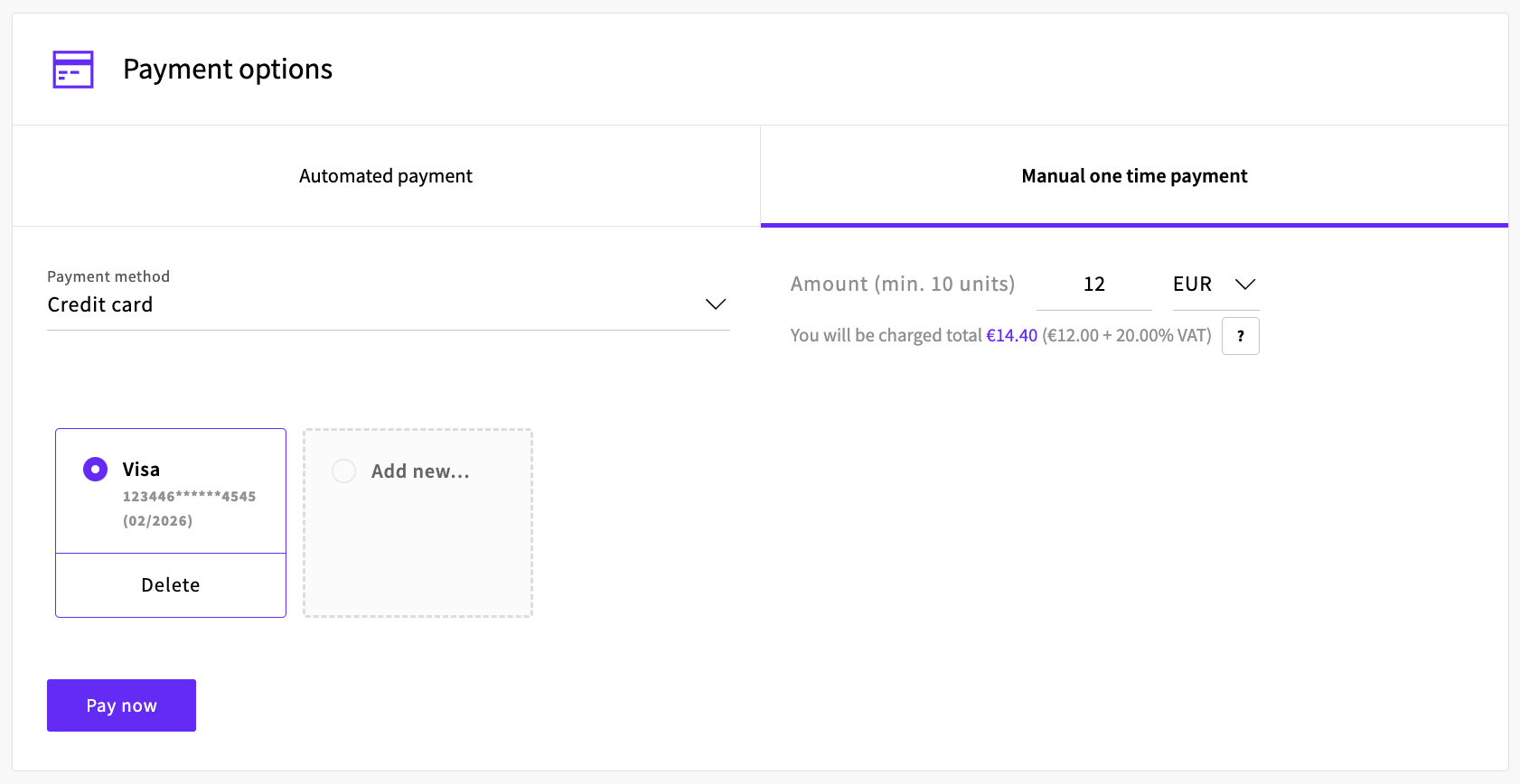
You can check your current tax rate at your UpCloud Control Panel in the billing section. Applicable local sales taxes will be added to the total at the point of purchase.
Countries where tax is charged
UpCloud charges tax to users in the following countries, at the rate set by each country. The last column shows whether tax is still charged once a business adds a valid VAT or GST registration number to its billing details.
| Country | Tax | With a VAT or GST registration number |
|---|---|---|
| EU countries, except Finland | VAT | No VAT is charged |
| Finland | VAT | VAT is charged, because UpCloud is a Finnish company and sales to Finnish businesses are domestic sales |
| Norway, except Svalbard and Jan Mayen | VAT | VAT is charged |
| Singapore | GST | No GST is charged |
Adding your VAT registration number
If your business has registered for VAT, you can add your valid VAT identification number to your UpCloud account billing details to exclude VAT from your payments. In some countries, VAT is still charged after you add the number. To check yours, see Countries where tax is charged.
Begin by going to the account section at your UpCloud Control Panel.
In the Billing details, you can find the field for the VAT/GST registration number. Enter your tax registration number in the allotted text field. Also, make sure you check the rest of your billing details are correct including your company name and full billing address.
When done, click the Save changes button at the bottom of the page to confirm.
You can then verify that the VAT number was successfully added by going to the Billing page at your Control Panel.
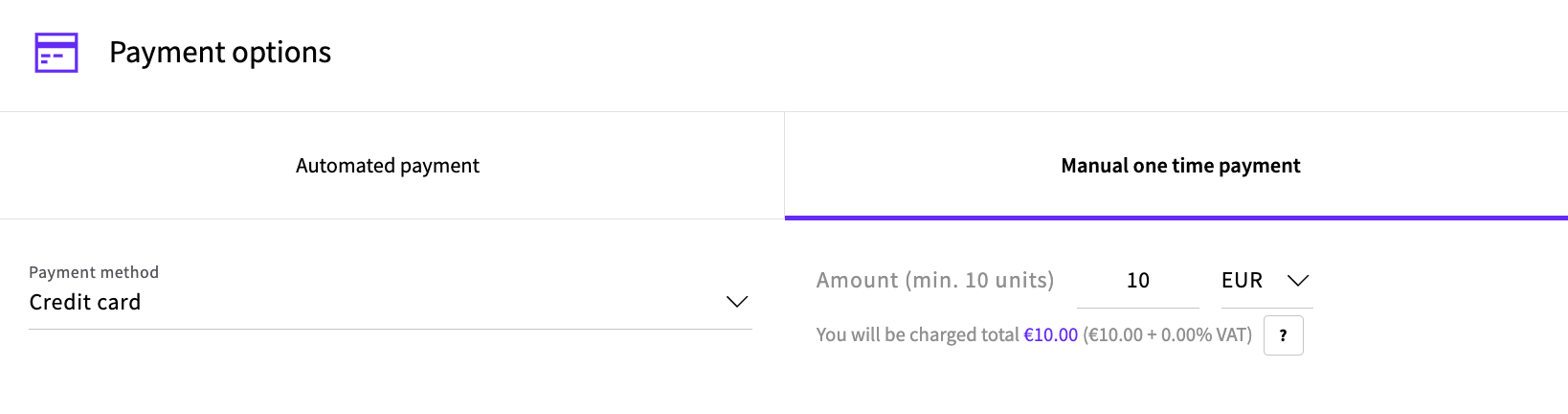
The amount to be charged will then show the price excluding VAT.