UpCloud Command-Line Interface, or UpCloud CLI for short, is a text-based user interface to UpCloud’s Infrastructure-as-a-service. It provides a fast command-line tool for accessing and managing your UpCloud resources. Save valuable time with quick commands always right at your fingertips!
UpCloud CLI
UpCloud CLI allows you to control your Cloud Servers, storage and networking from your local command line with simple and intuitive command structures.
It’s offered as an addition to the current methods such as the UpCloud Control Panel and API for all users but especially developers and system administrators will likely find it highly useful!
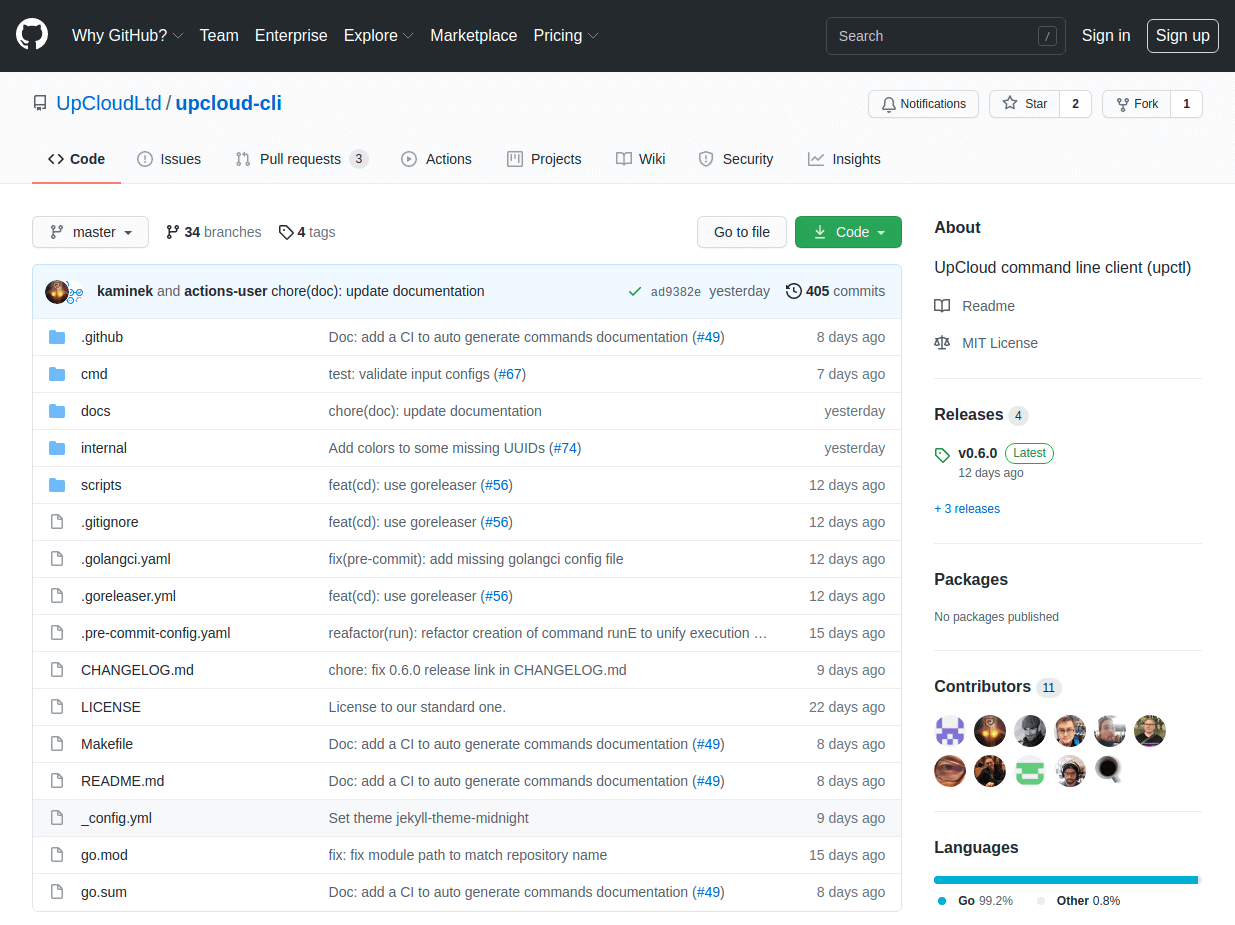
The UpCloud CLI is available for download from our GitHub repository with support for multiple operating systems including macOS, Windows and many Linux distributions. Pick the release as appropriate for your operating system and get started in minutes!
Cheatsheet
Here’s an overview of the various commands and their parameters UpCloud CLI supports. The list is not exhaustive and does not include every parameter available.
You can always get more information about each command using the –help parameter.
# Details on specific command or option
upctl {command} {option} --help

# Cloud Servers
server list
server show {uuid|hostname}
server create --hostname {hostname} --zone {zone} --ssh-keys {ssh-public-key}
server start {uuid|hostname}
server restart {uuid|hostname}
server stop {uuid|hostname} [--type {soft|hard}]
server delete {uuid|hostname} [--delete-storages]
server storage attach {uuid|hostname} --storage {storage-uuid}
server storage detach {uuid|hostname} --address {virtio[0-9]}
server network-interface create {uuid|hostname} --network {uuid|name} \
       --type {public|utility|private} --family {IPv4|IPv6}

# Storage devices
storage list
storage show {uuid|title}
storage clone {uuid|title} --tier {maxiops|hdd} --title {name} --zone {zone}
storage create --title {name} --size {int} --zone {zone} --tier {maxiops|hdd}
storage delete {uuid|title}
storage backup {uuid|title}
storage import {url}
storage modify {uuid|title}
storage templatise {uuid|title}

# Static and floating IP addresses
ip-address list
ip-address show {ip|ptr}
ip-address assign [--floating] --zone {zone}
ip-address modify {ip-address} --mac {mac-address}
ip-address remove {ip-address}

# SDN and Utility networks
network list
network show {uuid|name}
network create --name {name} --zone {zone} --ip-network {address-range}
network modify {uuid|name}
network delete {uuid|name}

# SDN Routers
router list
router show {uuid|name}
router create --name {name}
router modify {uuid|name}
router delete {uuid|name}

# Other commands
account show  # Display account credits and resource limits
completion    # Generate shell completion code
help          # Help about any command
version       # Display software version
Note that some commands, especially those making changes to Cloud Server network interfaces require the target to be shut down beforehand.
Get started
Want to take the UpCloud CLI out for a spin? Head over to our tutorial for instructions on how to install the CLI and details on basic commands. Follow along with the tutorial to get a feel for the features and for ideas on how you might integrate the CLI into your workflow.
Get started with UpCloud CLI today and take a shortcut to the pole position!