Which GPU Model Should You Choose and Why?
-

-
About
- Type
- Blog
- Categories
- ComparisonsCost OptimizationGPUs
About
Posted on 25 June 2026
Choosing the right GPU for the workload has become a critical decision when building AI applications and workflows. It is a balance between the unit’s price and its performance. For many organizations, another important differentiator is energy consumption.
In this article, we will take a closer look at the NVIDIA GPU units offered by UpCloud, the parameters of each, and which workloads are suitable for these units. We will focus on performance, memory capacity, cost efficiency, and use cases to help you choose the right equipment for your workload.
At UpCloud, we understand the organizations’ need to grow in the AI world. It is not just hype; there is a real need to provide AI-powered products to customers and improve internal quality. Companies need different AI-ready hardware because of varying model sizes, traffic volumes, and use cases. Deep learning requires different GPU units than an AI-powered chatbot.
UpCloud offers a variety of modern GPU units to our customers. All of them are based on NVIDIA chips and are state-of-the-art at the time this article was created.
Teams building inference models for their products should consider our NVIDIA L4 and NVIDIA L40S units. L4 is an energy-efficient accelerator for all inference workloads, and L40S is the top-performing card for intensive inference applications.
When the team requires top performance in inference or for building machine learning workflows, NVIDIA H100 is the right choice. For the most demanding machine learning or deep learning processes, the team should use NVIDIA B200.
All these units are available in our offering.
To make an informed choice, we should know more about the technical specifications of each unit. However, it’s not necessary to dive into the chip’s wiring or have a deep discussion about memory management. After this part, we will have a clear picture of the main specifications and be able to align our project’s needs with the appropriate hardware.
The smallest and most affordable unit in our collection. This card is an energy-efficient option for those seeking hardware for most general AI workloads and more.
It is perfect for universal acceleration for video visual computing, graphics, virtualization, and, of course, AI workloads.
This card is equipped with an L4 Tensor Core GPU, built using Ada Lovelace architecture. This GPU has 24GB of GDDR6 dedicated memory.
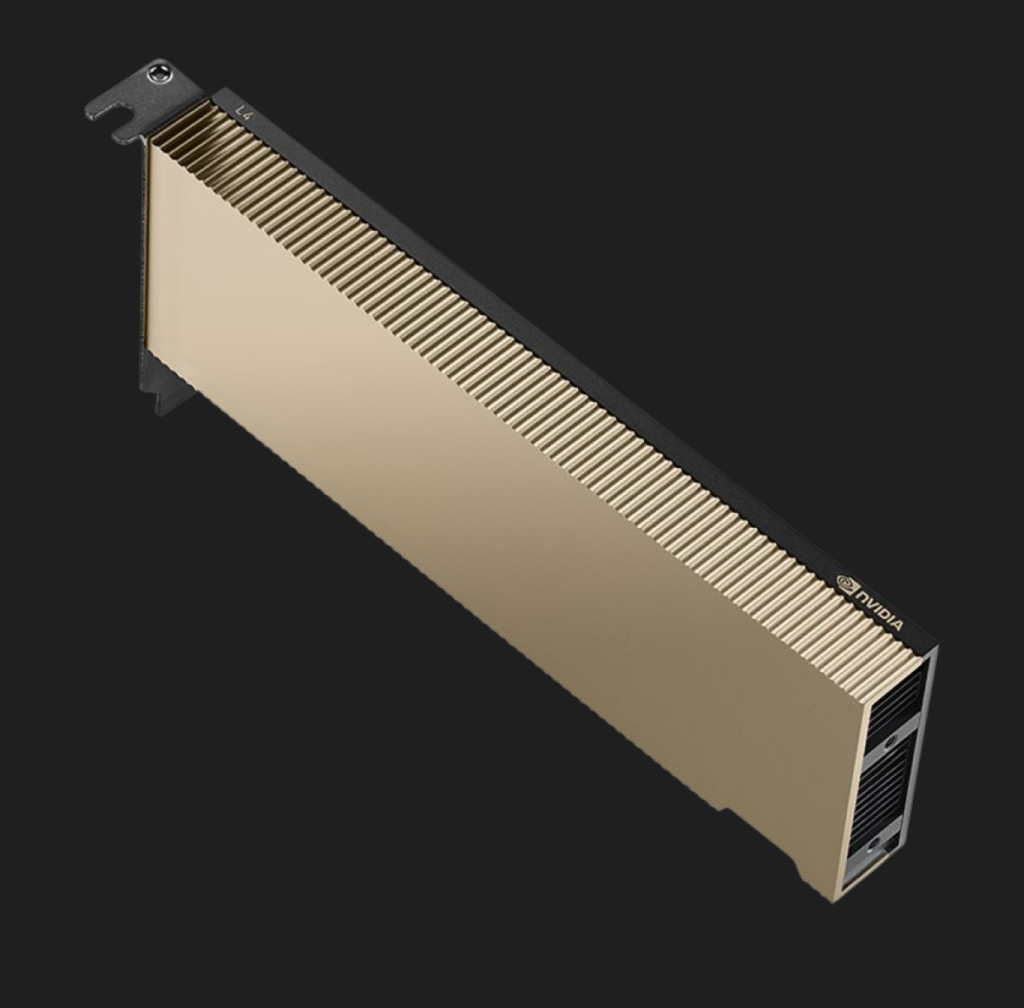
UpCloud offers a good variety of configurations. Starting with virtual machines with 8 CPU cores, 64GB of RAM, and 1 GPU L4 core, up to 32 CPU cores with 384GB of RAM and 3 GPUs on board.
The cheapest instance costs around €400/ per month.
NVIDIA L40S-powered instances are more powerful than L4. The chip is built on the same Ada Lovelace architecture and is positioned as the most powerful general-purpose GPU. It delivers end-to-end acceleration for the next generation of AI-enabled applications.
L40S is suitable for generative AI, mid-to-large Scale AI model training and inference, real-time 3D rendering, virtual production, and high-performance computing (HPC) simulations.
These cards are equipped with 48GB of dedicated memory and, as with L4, use GDDR6 technology.
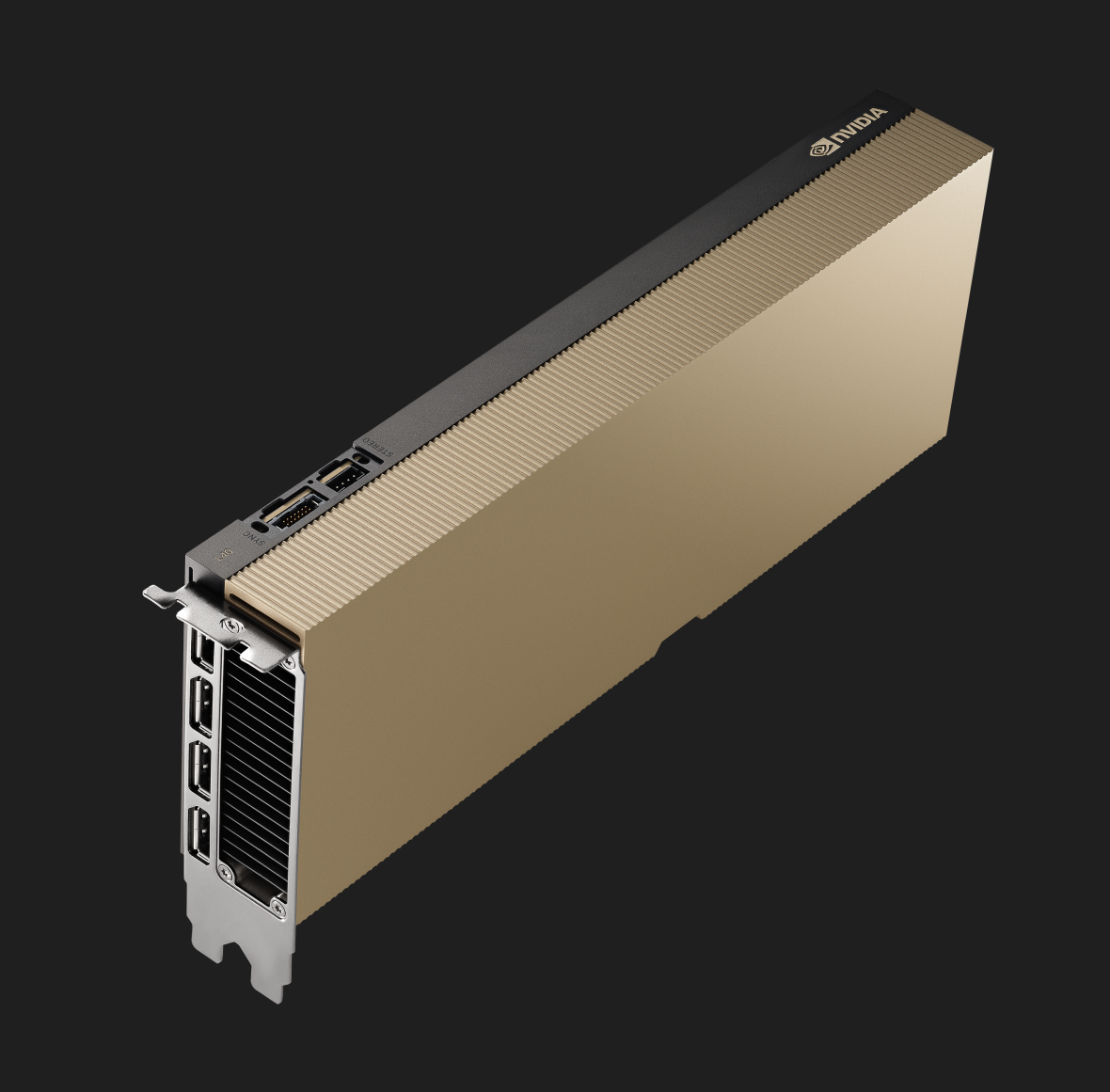
We offer configurations ranging from 8-CPU-core machines with 64GB of RAM and 1 GPU to 32-CPU-core machines with 384GB of RAM and 3 GPUs.
We jump to a different league now. The NVIDIA H100 GPU delivers exceptional performance, scalability, and security for every workload. H100 uses breakthrough innovations based on the NVIDIA Hopper™ architecture to deliver conversational AI, speeding up large language models (LLMs) by 30X. This card also includes a dedicated transformer engine to solve trillion-parameter language models.
This unit should be considered when we need a very powerful, scalable inference engine, or when we want to run machine learning processes.
The H100 is equipped with a stunning 80GB of HBM3e memory, which is enormously faster than memory in L4 (10x) or L40S (5x).
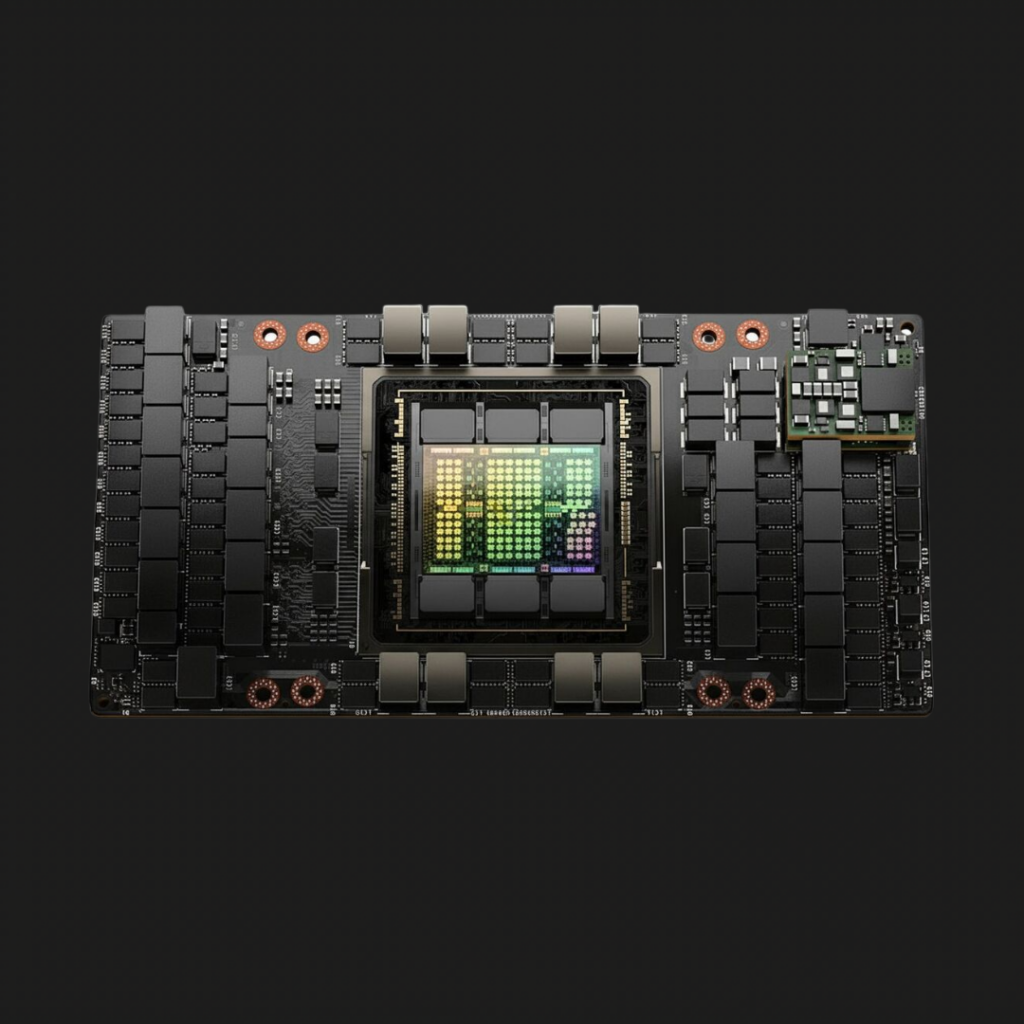
With UpCloud, we provide 12-CPU-core machines with 240GB of RAM and 1 H100 GPU, and up to 96-CPU-core machines with 1920GB of RAM and 8 GPUs.
The biggest beast in the game. Built on the Blackwell architecture, it is dedicated to the most demanding workloads. The main use cases include generative AI, large-scale AI model Training and Inference (LLMs), High-Performance Computing (HPC) simulations, scientific computing, and data analytics.
It’s equipped with 192GB of HBM3e memory with stellar throughput of 8T/s, capable of handling the most intensive workloads you can run today.
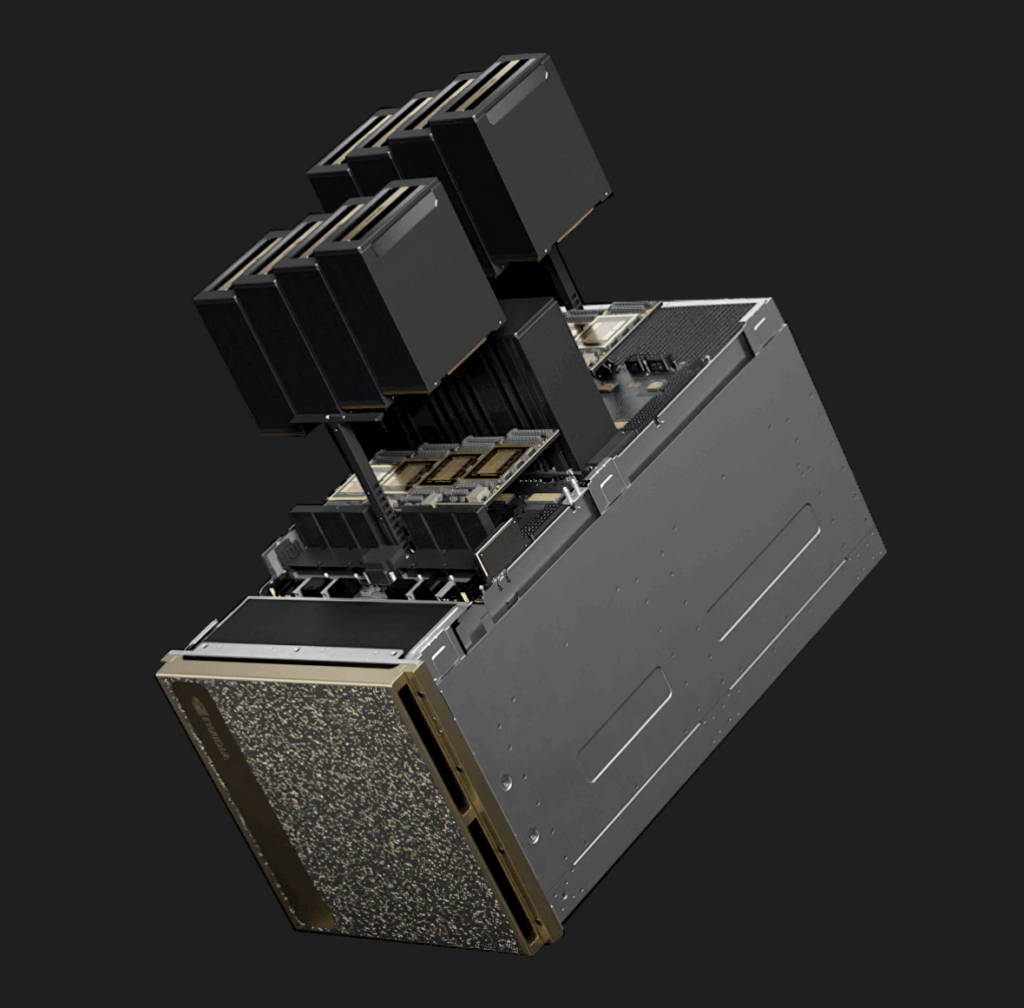
Our offer starts with 24-CPU-core machines with 240GB of RAM and 1 B200 GPU, up to 192-core VMs with 1920GB of RAM and 8 GPU units on board.
The table below collects all important information in one clear place for high-level review.
| GPU | NVIDIA L4 | NVIDIA L40S | NVIDIA H100 | NVIDIA B200 |
|---|---|---|---|---|
| Architecture | Ada Lovelace | Ada Lovelace | Hopper | Blackwell |
| VRAM | 24GB | 48GB | 80GB | 192GB |
| Memory type | GDDR6 | GDDR6 | HBM3e | HBM3e |
| Memory bandwidth | 300GB/s | 864GB/s | 3.35TB/s | 8TB/s |
| Max compute power | FP32 30.3 TFLOPS | FP32 91.6 TFLOPS | FP32 67 TFLOPS | FP32 74.45 TFLOPS |
| AI use cases (examples) | General-purpose inference, RAG, and embeddings | Production grade inference | AI trainings, large-scale inference | Huge AI models, deep learning, hyperscale inference |
| Price start from | €0.58/h | €1.11/h | €1.79/h | €4.50/h |
We have to remember that raw numbers might be misleading. AI models require specific memory allocation, and AI processes require high throughput, so we need to perform a proper analysis of needs and the hardware required for the workload.
As mentioned, each AI model requires memory. How much? It depends on a few parameters. Let’s take a look at how to select the proper memory size for different model use cases.
Models are using a number of parameters. We can think of parameters here as the model’s memory. Or its knowledge representation. During training, the model adjusts billions of these values to learn patterns in language, images, code, or any other data.
Precision describes how much memory is used to store parameters. The more bytes per parameter, the more accurate it is.
This table shows the precision types and where each precision can be used.
| Precision | Bytes per parameter | Typical use |
|---|---|---|
| FP32 | 4 | Training, high accuracy |
| FP16 | 2 | Training, inference |
| BF16 | 2 | Training, inference |
| INT8 | 1 | Inference |
| INT4 | 0.5 | Optimized inference |
Let’s consider how much memory we need for the 32B parameters model in different scenarios. We consider INT8, FP16, and FP32.
The math we have to do is simple. We need to multiply the number of parameters by the number of bytes needed for precision. This will provide the memory the model needs.
| Precision | Equation | Memory needed |
|---|---|---|
| FP32 | 32B x 4 bytes | 128GB |
| FP16 | 32B x 2 bytes | 64GB |
| INT8 | 32B x 0.5 byte | 16GB |
Accordingly, for a much smaller model with 7B of parameters, it will look like in the table below
| Precision | Equation | Memory needed |
|---|---|---|
| FP32 | 7B x 4 bytes | 28GB |
| FP16 | 7B x 2 bytes | 14GB |
| INT8 | 7B x 0.5 byte | 3.5GB |
We have to remember to add a few more things to the memory size, such as the KV cache, runtime buffers, and inference framework overhead.
We can clearly see that the use case is not the only element we need to consider when selecting our hardware. What we want to run there is equally important.
Finally, we have to determine the performance we expect from our application. Of course, we want to process our queries and requests fast. As fast as possible. So, how does it look for different chips and models?
The table below shows approximate single-GPU throughput, measured as the number of tokens the model can produce per second. In other words, how fast the model responds with generated content.
| GPU | 7B models | 32B models | 70B models |
|---|---|---|---|
| L4 | 50-100 token/s | 20-50 token/s | X |
| L40S | 150-400 token/s | 60-150 token/s | X |
| H100 | 400-1000 token/s | 150-400 token/s | 50-150 token/s |
| B200 | 800-2000+ token/s | 300-800 token/s | 150-400 token/s |
We can’t provide exact numbers; they may vary based on many parameters, such as model size and architecture, quantization method, batch size, context length, inference engine, and so on.
The price difference between different GPU models is huge. If we consider this price on a monthly or yearly basis, it can be even scarier. That is why we have to select the hardware carefully to meet our needs.
Consider L4 or L40S over H100 or B200 when:
When deciding between H100 and B200, we need to consider these aspects:
It is worth always remembering that a GPU sitting idle for 80% of the time is a bigger cost problem than anything else. In these cases, we should consider different models of running infrastructure.
Selecting the proper GPU hardware for the workload and expected price isn’t easy. To be precise, we need to know what we will run there, what throughput is required, how large the model is, and so on.
The NVIDIA L4 is a cost-effective option for smaller models and inference workloads. NVIDIA L40S hits the sweet spot for many production AI deployments, offering a strong balance between cost and performance. Training and large-scale inference require NVIDIA H100 and NVIDIA B200 GPUs. These cards target organizations pushing the limits of AI performance, size, and scale.
Before choosing the GPU, focus on the workload requirements rather than the hardware’s stated peak performance.
Check out UpCloud’s GPUs! Compare the prices for your use cases, using our calculator. If you have any questions, ask our team, we will be glad to help you!