Serve Your Website with UpCloud Static Web Hosting!
-

-
About
- Type
- Blog
- Categories
- Cloud InfrastructureProduct Updates
New - NVIDIA B200 & B300 Dedicated GPU Clusters | Explore GPU clusters
About
Posted on 6.3.2026
There are a lot of services and vendors where you can easily host your website. UpCloud is now joining them. But in what way?
We offer simple, easy-to-configure, flat-priced static web hosting service with our Object Storage!
With just a few clicks and less than 10 minutes of work, you can have a fully functional website hosted from our S3-compatible storage with 250 GB of space for 5 EUR per month. No additional costs.
Because we know that you don’t want to spend your time, resources, and money building a classic web hosting setup and worrying about scalability, maintenance, and operational aspects. You seek a simple, quick and reliable solution to host your website.
Everyone who looks for an easy way of hosting a website. This type of service is dedicated for static webpages and hosting of Single Page Applications (SPA), where no web server is needed or wanted. Just storage and delivery.
And here is the beauty. The price for this service is simple and easy. It is 5 EUR for each 250GB of storage space. No egress costs. No TLS costs. No servers, network costs. 5 EUR. Simple like that. You know how much you pay in advance.
An account created on UpCloud. You can have a maximum of 10 static hostings per single bucket. And that’s it! Rest is configuration.
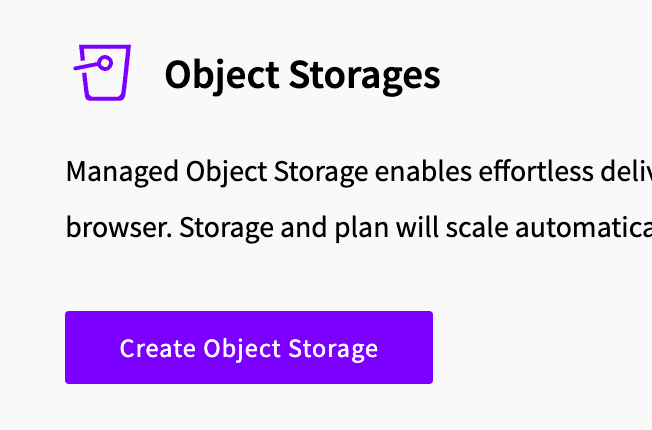
Go to our Object Storage service and create a storage.
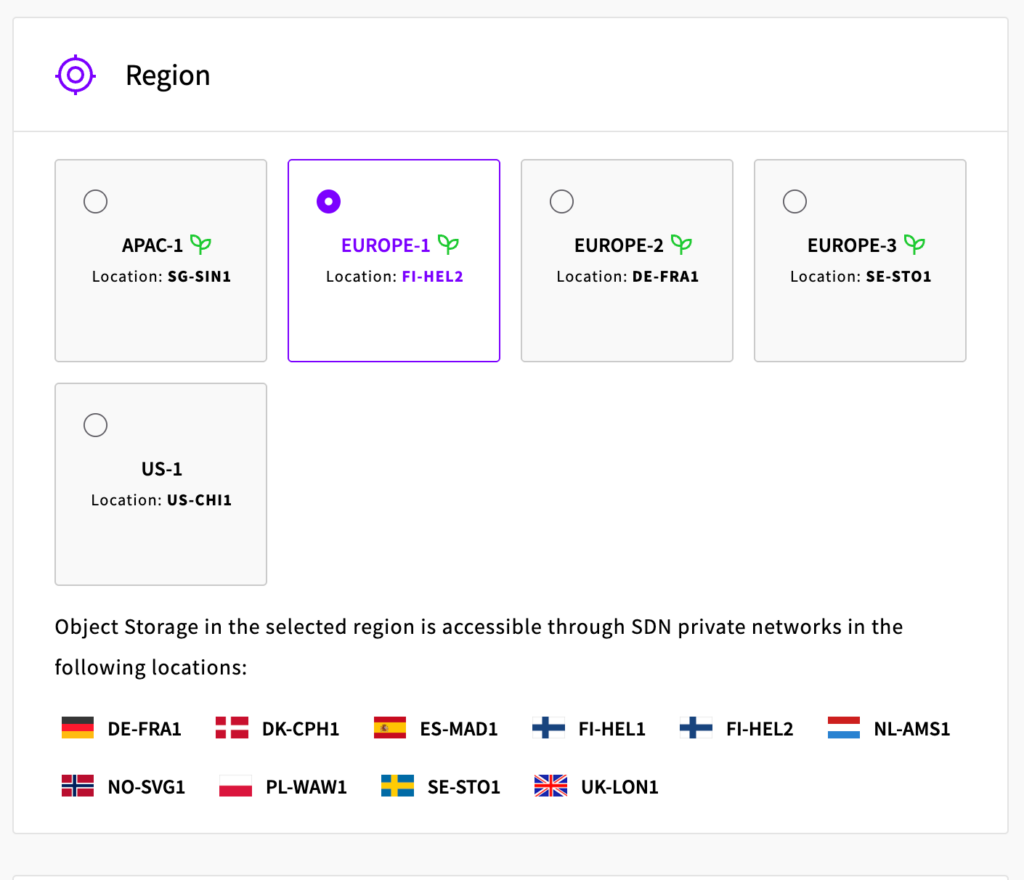
Configure your storage with the region you want to store your files.
Then create a Bucket, where your files will reside.
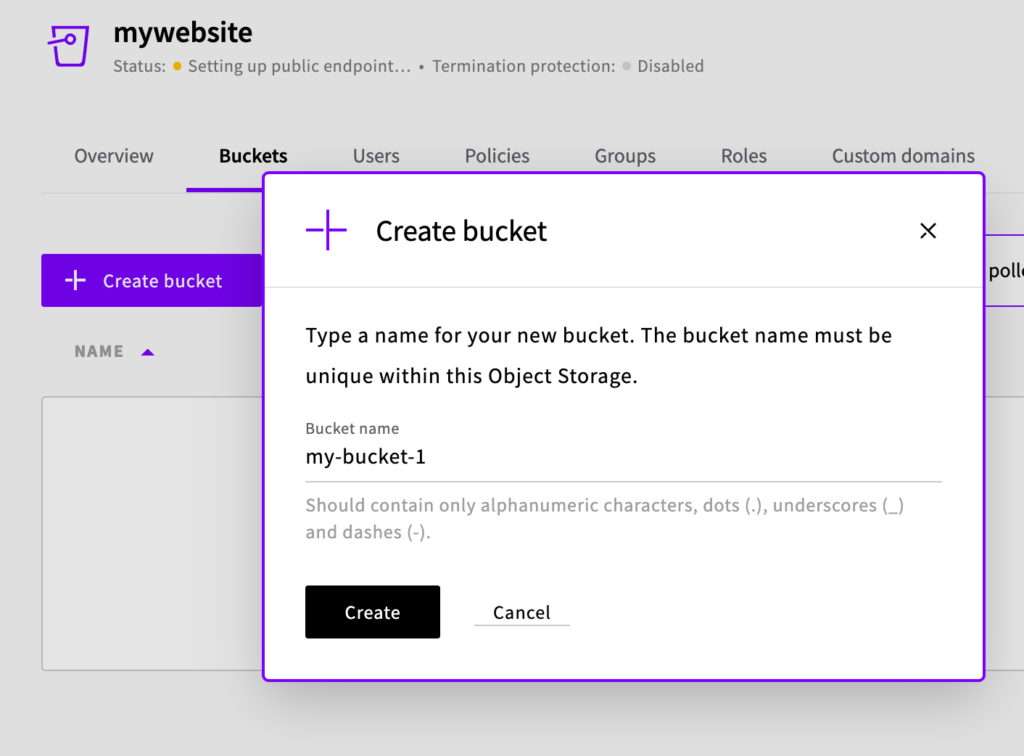
The certificate will be issued. The process might take a few minutes (and this is the longest part of creating your web hosting!)
When it is ready, navigate to the Static Websites tab, enable the service.
Then configure the domain (it is a storage you created) and bucket (it is a bucket you created in the storage) and click “Configure Access”.
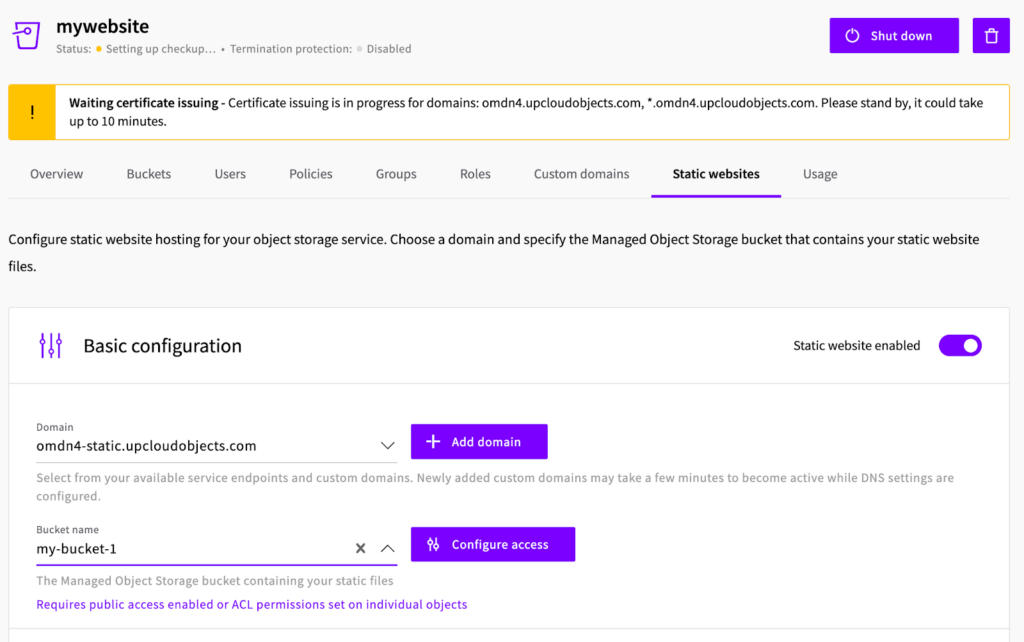
Switch Bucket-level policy to enabled.
Upload your files and that’s it! Your website is ready to be visited!
Of course, the example above is the simplest configuration possible. You may want to add more granular access to elements. You may want a custom domain. All these are possible. Check the documentation we prepared for you.
Contact our team to learn how we can help you start. Signup and try our services right away!
Got any feedback? Follow us on social media or contact us directly!
We’d love to hear from you!


